
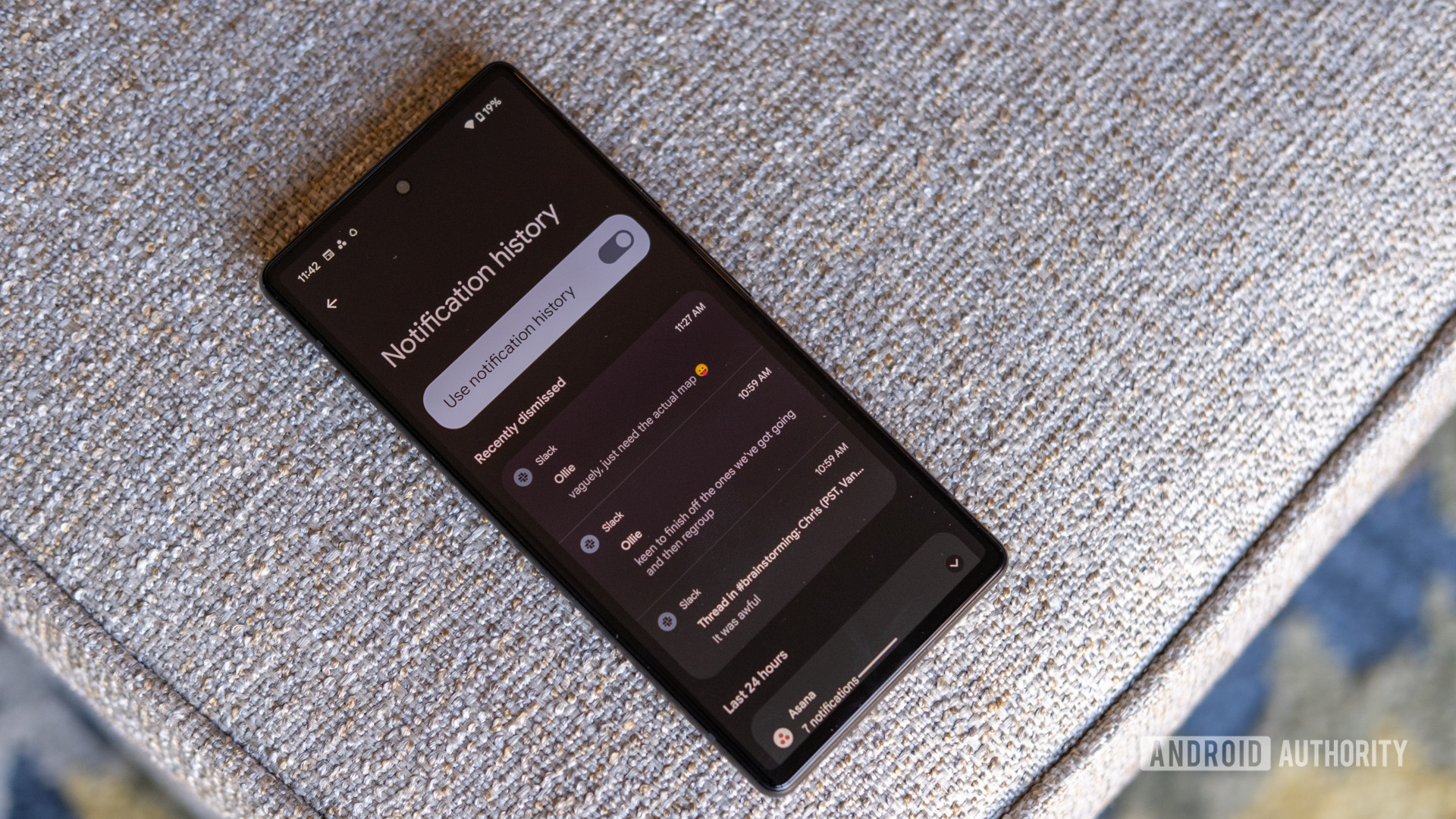
It’s something that’s happened to us all at some point. A notification comes in, and when you go to check it out, you accidentally dismiss it before you meant to. Fortunately, Android has a notification history page where you can see all your recently dismissed and snoozed notifications. Getting to this page only takes a couple of steps, but did you know there’s a much faster way to get there?
If you want to see a recently dismissed notification, the standard way to do so is to open Settings. On the Settings page, you’ll want to locate and tap on the Notifications option. From there, hit Notification history, and voila, you’ll be right where you want to be. However, keep in mind that you’ll need to have notification history turned on to see your old alerts. If the setting is toggled off, all you’ll see is a blank page informing you that notification history is turned off.


